
Publish To Storefront
Follow this step-by-step guide to publish and display a wholesale registration form on your storefront. The form below showcases how it will appear to your customers, enabling a seamless and professional B2B onboarding experience.
Step 1: Add the form block to your storefront.
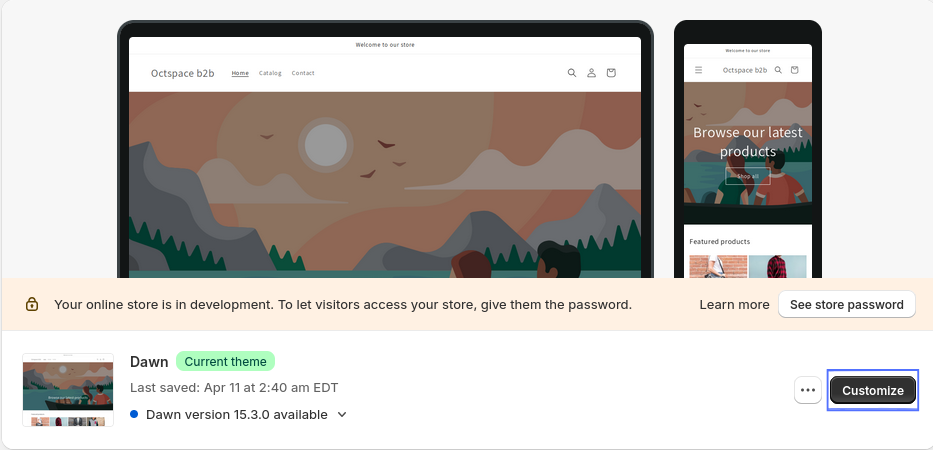
- In your sidebar click on the Online Store section and then click on the customize button.
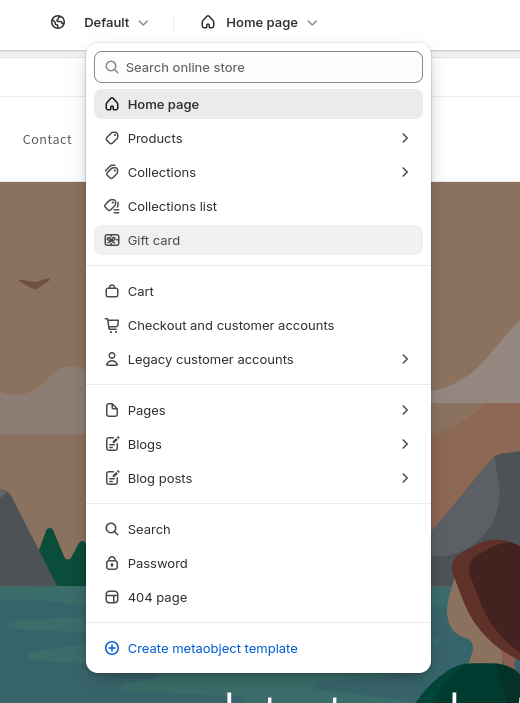
- Click Homepage at the top and then select Legacy customer account.
- Click on the Customer register option.
- Then click on Add section option and select Apps tab.
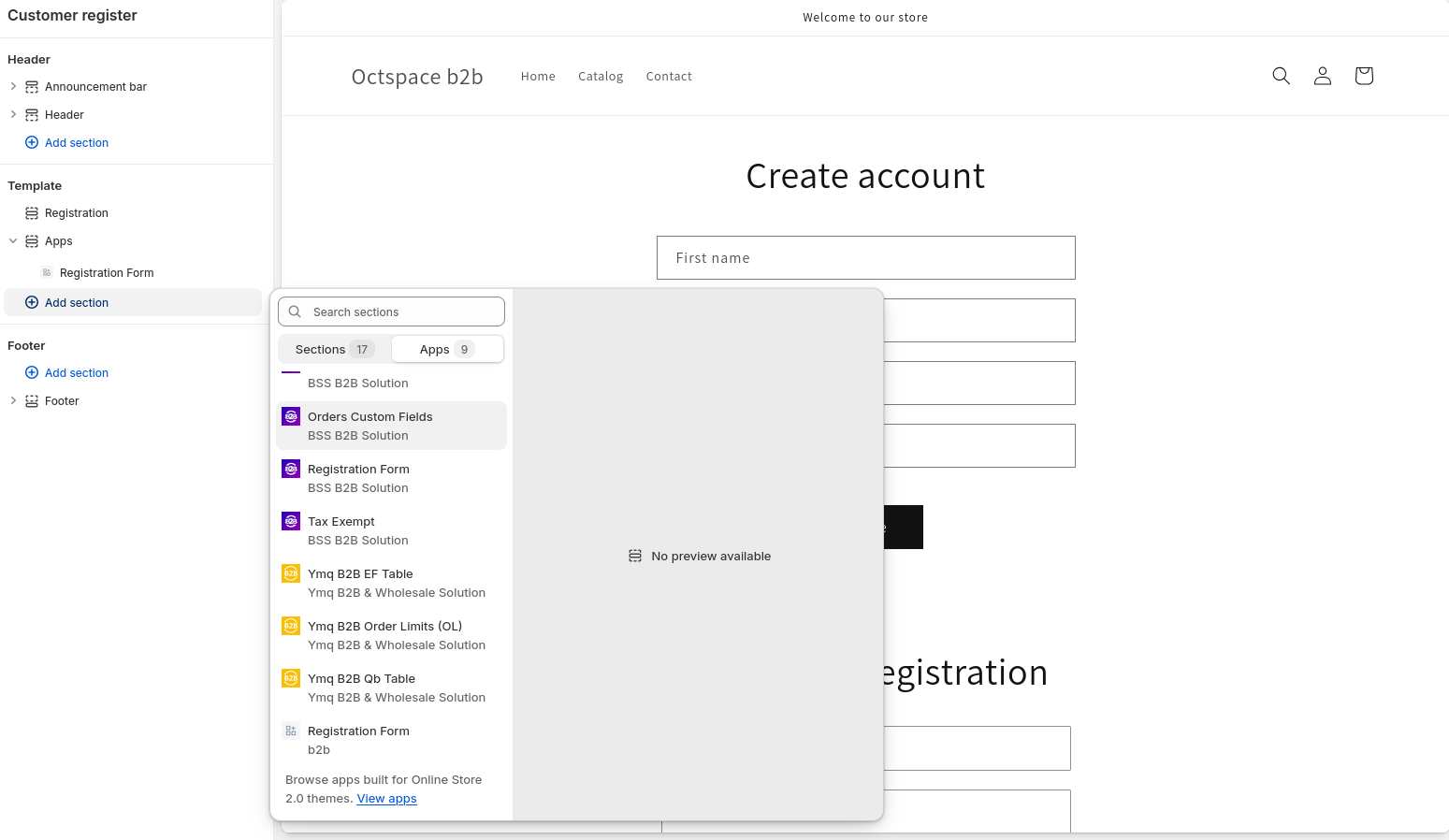
Step 2: Set up the form in the register page.
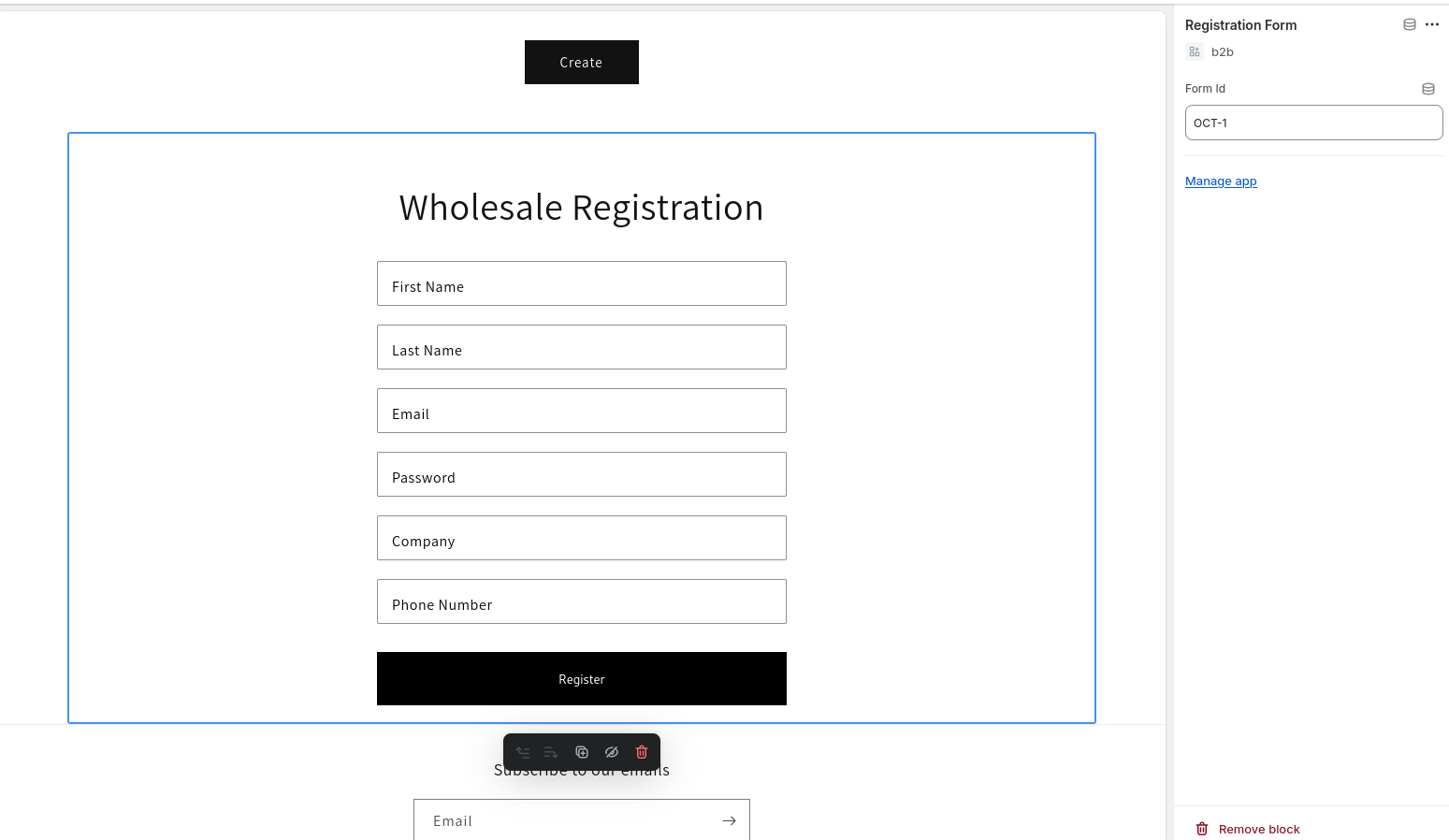
In this way, you can add/publish the registration form into the storefront